| Main features and Comparison |
File Property Free |
File Property Pro |
| Change file and folder's "created date time", "modified date time", and "Last access date time". |
 |
|
| Change file and folder's attributes including "Archive", "Read Only", "Hidden", "System", "Temporary", "Offline", "Content index", or "Normal". |
|
|
| Add both files and folders to the file list for changing the file properties, you can also select to recursively add files in sub folders. |
Support adding up to 100 files in the file list. |
unlimited |
| Drag and Drop support: It's easy to add files to the list, just drag files from anywhere and drop them to File Property Edit's list. |
|
|
| Support modify MP3 ID3 Tags including V1 and V2. |
|
|
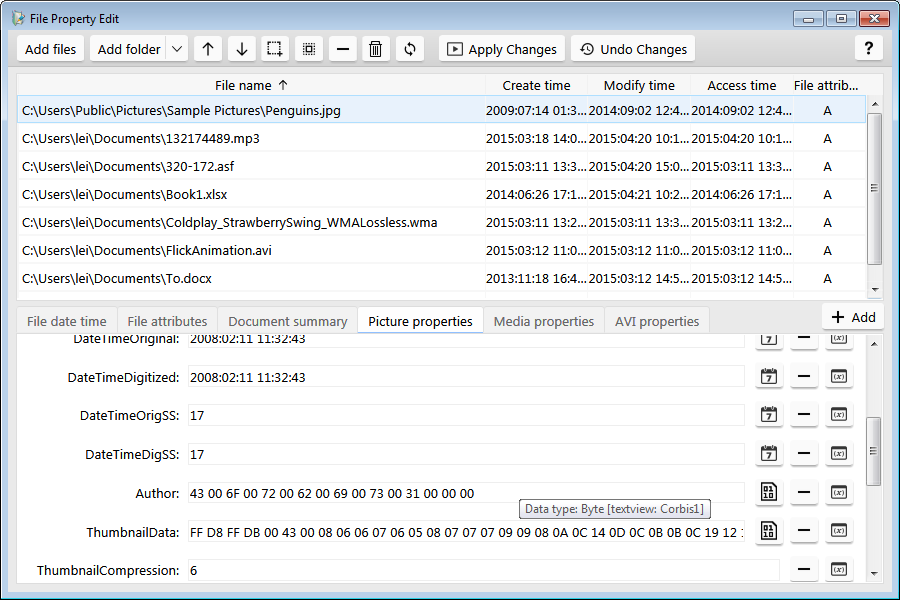
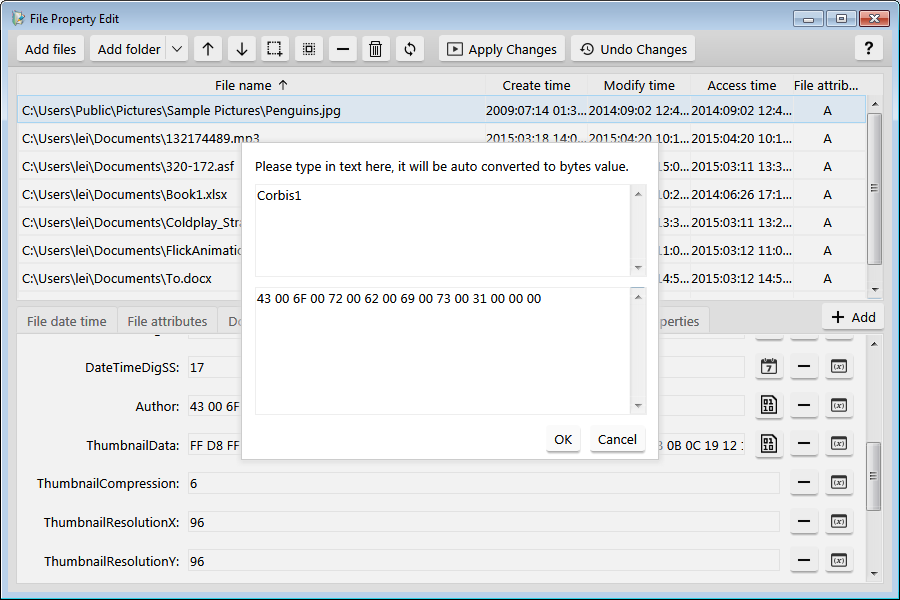
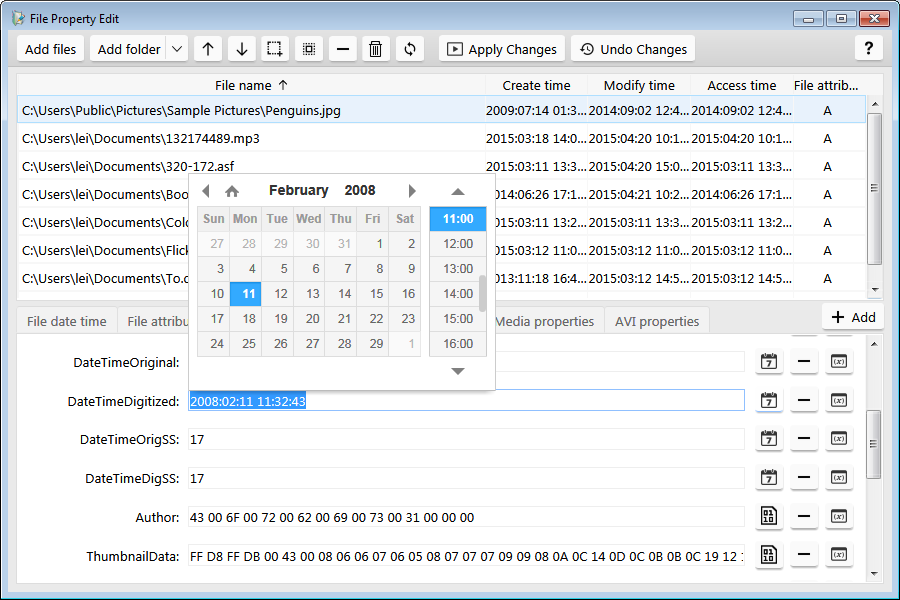
| Support modify all types of photo's properties including EXIF. |
|
|
| Edit the file's summary properties including: "Title", "Subject", "Author", "Keywords", "Comments", "Template", "Last Author", "Revision Number", and "App Name". |
|
|
| QuickView feature added - support thumbnail preview of photo. |
|
|
| Support view shell details info in QuickView. |
|
|
| Files filter support case sensitive and exclusive filtering, with this, you can easily filter in or out the files you want from the file list. |
|
|
| Undo changes: After you change the properties of files and folders, you can use this feature to cancel the changes, and rollback to the old property values. |
|
|
| Support file's "Send to" menu, you can right click on files and select "Send to" File Property Edit, and then edit the properties of the selected files. |
|
|
| Support modify AVI files' RIFF info tags, include title, copyright, year, genre, artist ... |
|
|
| Support modify file properties on Windows 8, Windows 7, for both 32 bit and 64 bit system. |
|
|
| Support replace or remove part of the content in file properties. |
|
|
| Support use variables to change file and folder's date time attributes. |
|
|
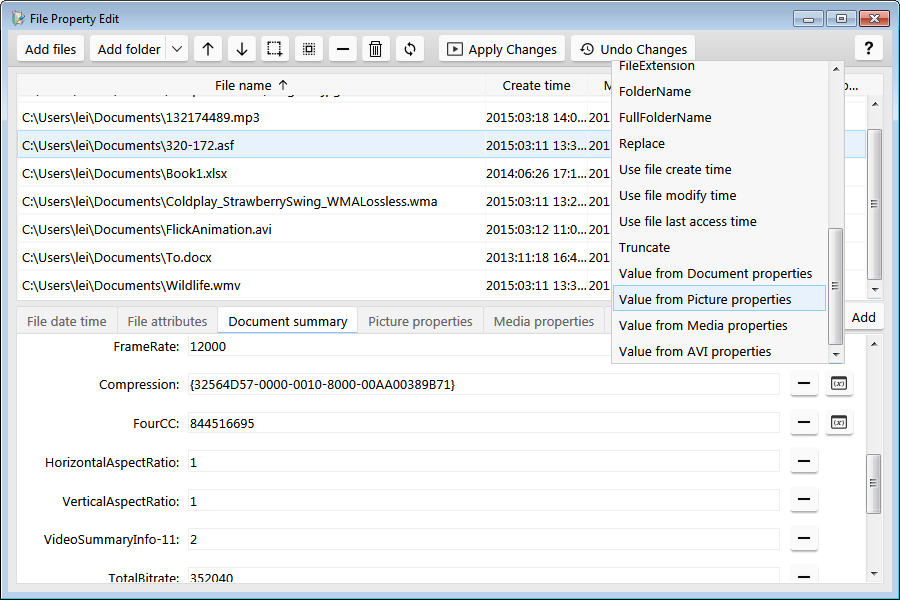
| Support use variables to change file properties, e.g. add current date time, number series, datetime series, and use variables to increase or decrease the property value in number or datetime fields. |
|
|
| Support use file's name or folder name as variable to change file properties. |
|
|
| Support export properties feature, you can export file properties into XML or CSV file. |
|
|
| 3 year free email technical support. |
|
|
| 3 year free update to latest version and free activation service. |
|
|
 Rated "Outstanding" on CNet|download.com