XP/Vista/Windows7/Windows8
32-bit and 64-bit versions

Introducing the all new BatchRename 4 (Pro) - our latest and most powerful file renamer yet.
 Rated 5 Stars "Spectacular" on CNet|download.com
---"BatchRename Pro provides a no-nonsense method for renaming files. With its well-planned setup and customizable flexibility, this should meet the needs of any user."
Help you rename a batch of files and folders with all kinds of customizable and flexible renaming rules. Especially, rename MP3 files with ID3 Tags and rename photos using EXIF data. it can batch convert and edit your photos, even encrypt your file or folder names with RC4 or Base64.
Current Version: Version 4.51 (2013-08-09)
- Recent file history supported for batch profile.
- Simplified renaming UI, easier and clear for renaming process.
- More favorite renaming rules added.
- EXIF properties info improved.
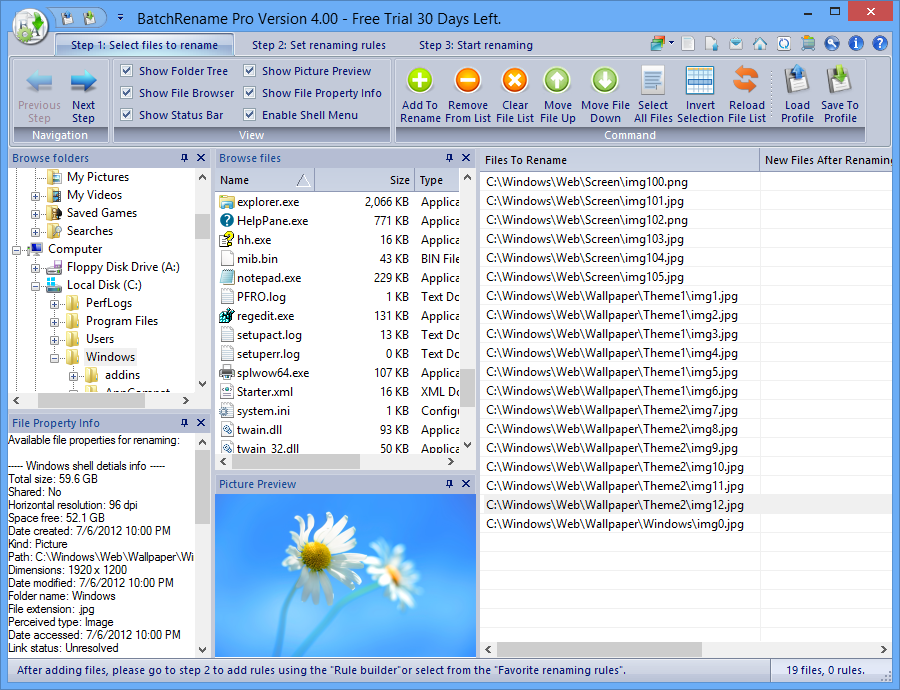
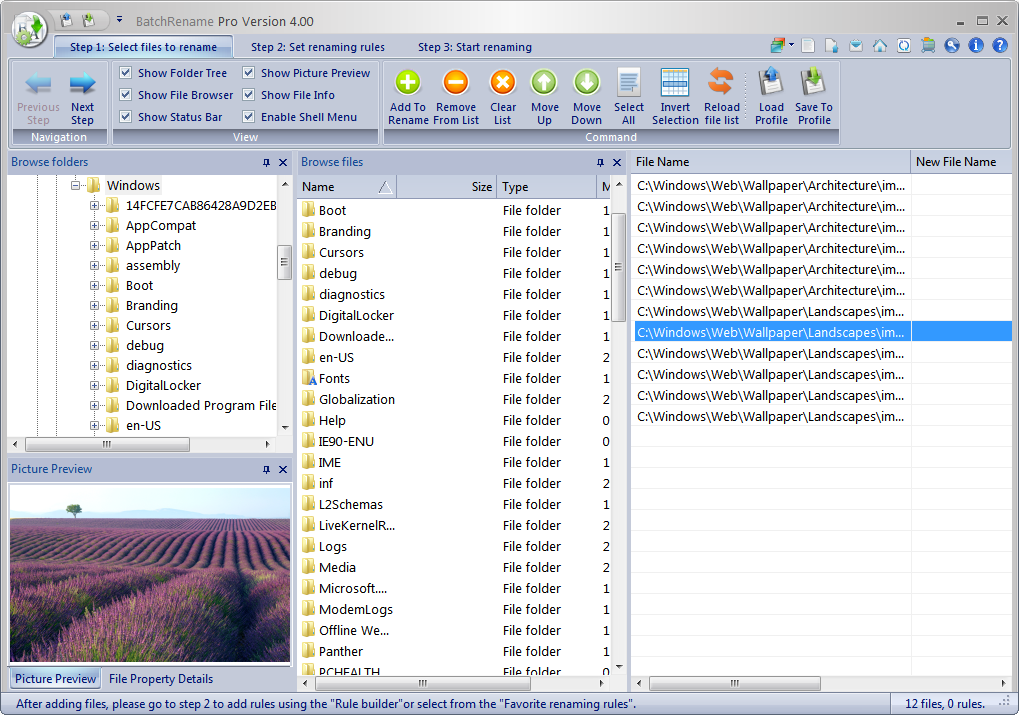
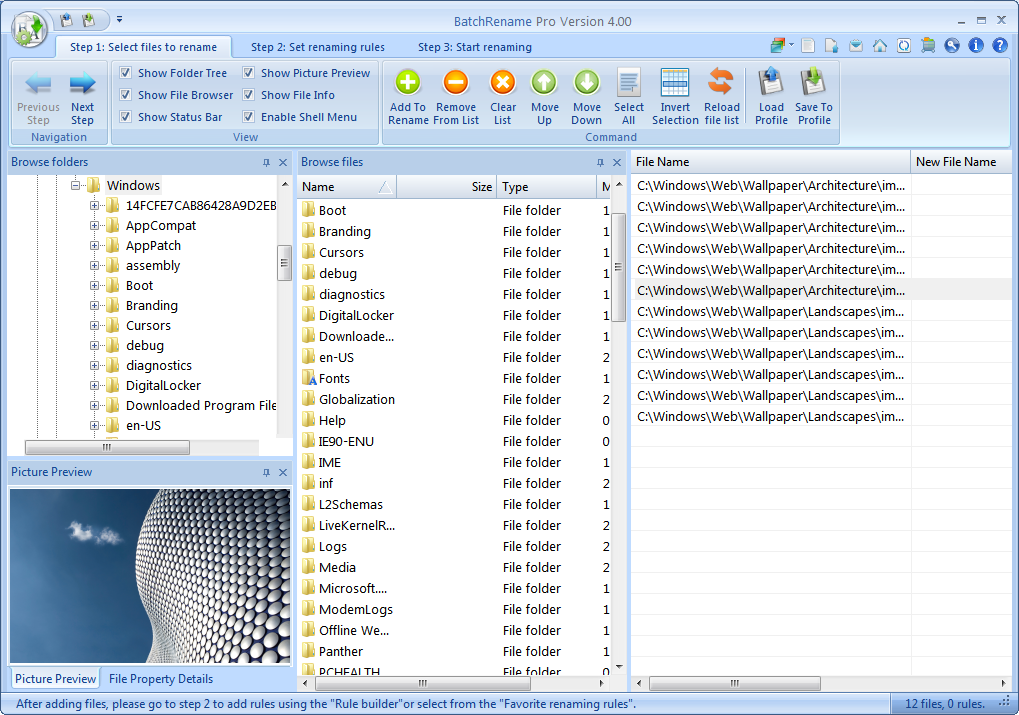
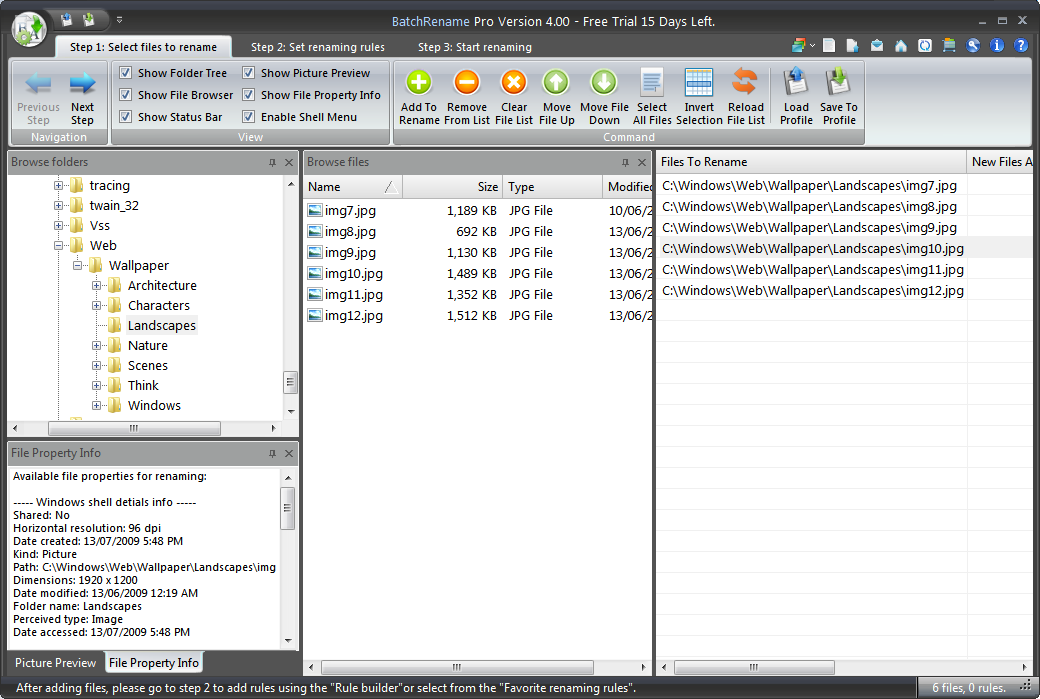
- All new designed UI, with Ribbon toolbar and multi-tab support, compatible with Windows 8.
- Support batch renaming using command line prompt.
- Renaming in different thread with progress bar and easy to control the process.
- All renaming methods support, includeing: renaming using MP3 Tags, EXIF, Office document's content, CRC32/MD5/SHA1/SHA256 hash, shell detail props...
- Advanced shell menu feature, support rename files using favorite renaming rules on shell menu.
- Encrypt/Decrypt file name using RC4, Base64.
| Main features and Comparison | BatchRename Free | BatchRename Pro |
Generic renaming support:
|
 |
|
| Renaming rules builder – add renaming command to build any kind of renaming rule you want. | Up to 6 commands can be executed in one batch. | unlimited |
| Add both files and folders to the file list for renaming, you can also select to recursively add files in sub folders. | Support up to 300 files in the file list. | unlimited |
| File filter support case sensitive, exclude, and wildcard * features. | |
|
| Support batch renaming using command line prompt. | |
|
| Favorite rename rules – Tons of predefined favorite renaming rules already included after install, help you to accomplish the popular renaming tasks by one click. You can also modify the existing favorite rules and create your own. Filter for Favorite renaming rules added to help easily group and find the renaming rules. | |
|
| Support renaming files using their Shell detail properties - you can use what you see on the file property details page of Windows explorer (including video properties, audio properties ...) to rename the files. | |
|
| Support renaming MS office word document file using the content of the document. | using upto 3 words | unlimited |
| Support for MP3 Tag ID3 v1, rename mp3 files by the music's Title, Album, Artist, Genre, BitRate, Frequency, Comment, Track and Year. | |
|
| Support for MP3 Tag ID3 v2, All MP3 ID3 tags are supported. | |
|
| Support EXIF data - rename pictures with the EXIF data, including: Camera name, Digitized date, Original date time, ISO speed, Exposure time, Shutter speed, Lens aperture, F-Number, GPS data... All EXIF properties are supported. | |
|
| Support rename picture files by their Image properties: resolution, color bits, type format. | |
|
| Support encrypt and decrypt the file name using RC4, Base64, and MD5 algorithm. | |
|
| Support rename files using the file's CRC32 code, MD5, SHA1 and SHA256 hash. | |
|
| Preview renaming result. | |
|
| Undo file and folder renaming. | |
|
| QuickView – media preview: view (picture) or play (movie or music) the selected file in the quick window. You can see the file’s content directly in BatchRename and it helps you decide how to rename them. | |
|
| QuickView window – file’s properties preview: you can view all the file’s properties in the quick window, including: MP3 Tag info, Picture's EXIF data, and Windows shell details info. With this, you can easily decide which property you want to use for the renaming. | |
|
| Drag and Drop - It's easy to add files and folders to the file list by just drag them from anywhere and drop to BatchRename’s main window. | |
|
| Support windows shell context menu - The menu item "BatchRename files..." is added to the windows shell context menu after installation. By selecting some files in the windows explorer, right-click on them and select menu item "BatchRename files", you can use all kinds of renaming rules to rename files from there. | |
|
| Picture adjustment and editing - resize your photos to a specific size, rotate the photo with a specific degree, and flip the photo Horizontally or Vertically. | |
|
| Batch picture conversion - easily convert a batch of pictures to the most popular format (bmp, jpg, gif, tif, png), also support JPEG quality control. | |
|
| Load/Save Profile - the file list, renaming rules and the renaming result, even the Undo state, all can be saved to a profile file, so you can save your current renaming project and load it to continue working on it later. | |
|
| 3 year free email technical support. | |
|
| 3 year free update to latest version and free activation service. | |